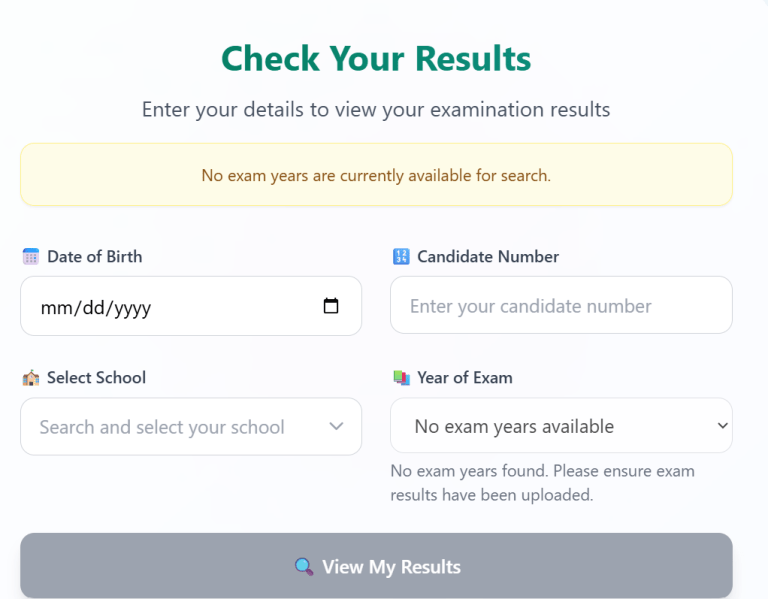
For thousands of students and parents across Guyana, NGSA results check is one of the most important online searches each year. The National Grade Six Assessment (NGSA) determines secondary school placement, making results day exciting and emotional.
Fortunately, checking your results online has become much easier than in previous years using the NGSA online login.
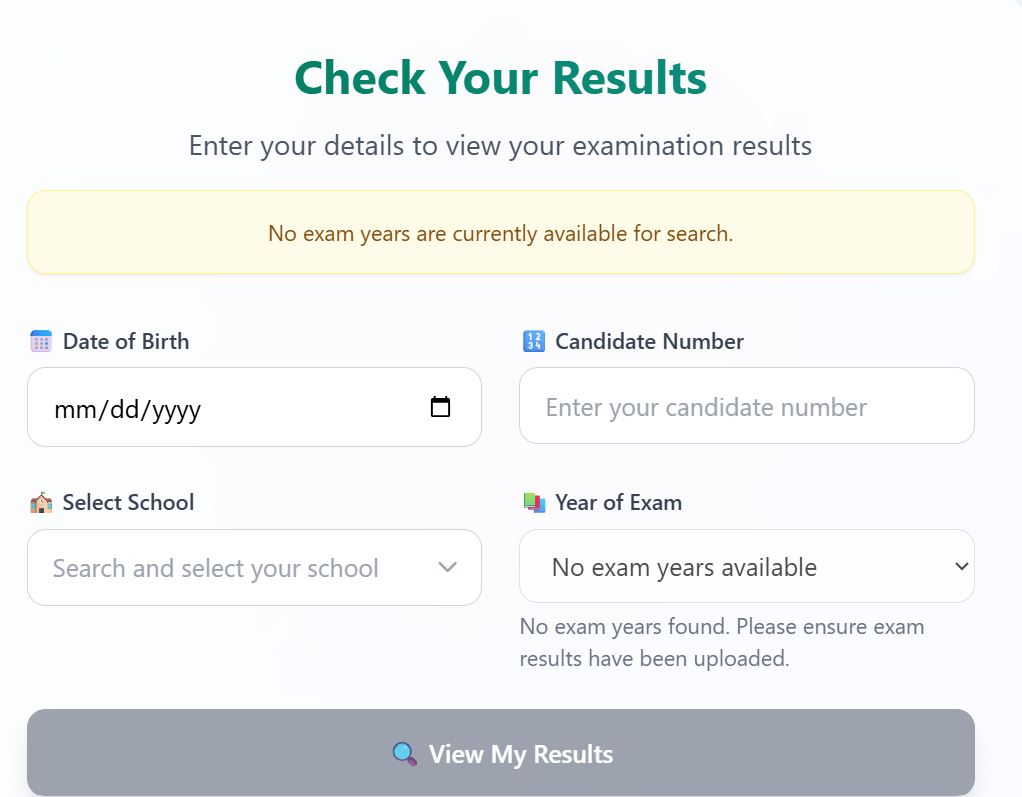
What You’ll Need Before Checking Your Results
Before starting the NGSA online login, have the following ready:
| Requirement | Purpose |
|---|---|
| Candidate Number | Required for identification |
| Date of Birth | Used during login |
| School Name | Selected during login |
| Year of Exam | Used during login |
| Smartphone or Computer | View results |
| Browser | Chrome, Edge, Firefox or Safari |
| Internet Connection | Access the portal |
Having this information prepared makes the process much faster.
Official Website for NGSA Results Check
The Ministry of Education provides an official online examination portal where candidates can safely access their results.
Step-by-Step Guide to Check NGSA Results Online
Checking your results only takes a few minutes if you follow these simple instructions.
Step 1: Visit the Official Portal
Click below on follow on:
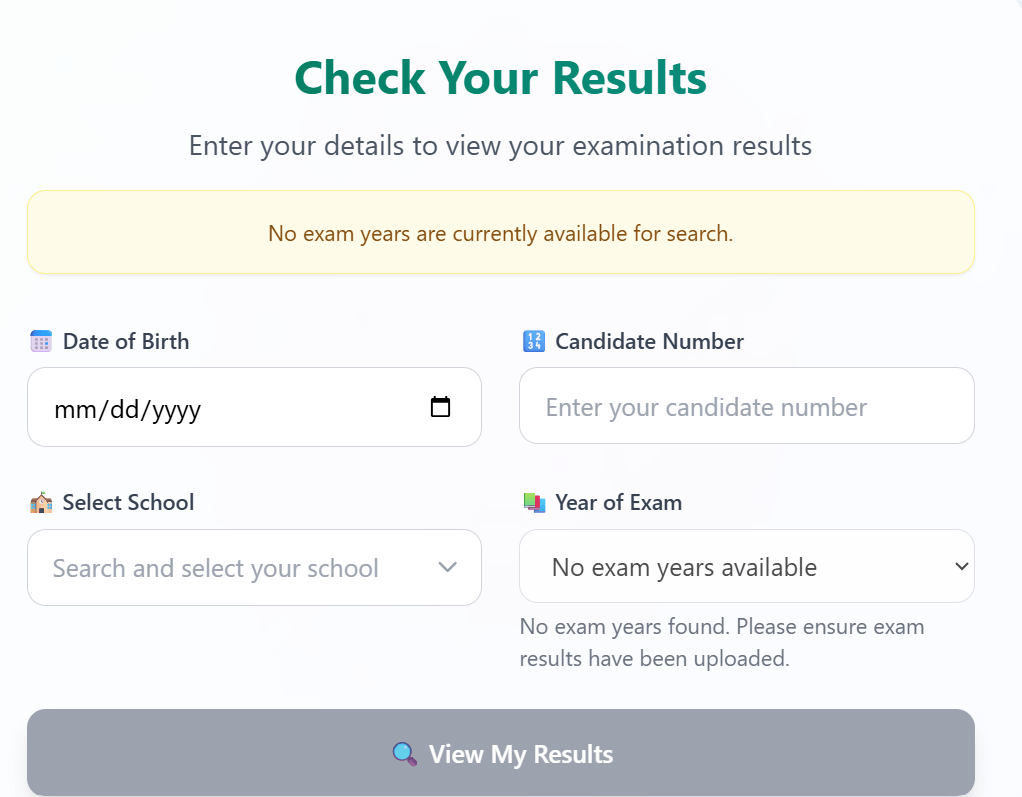
Wait for the website to load completely.
Step 2: Complete the NGSA Online Login
On the homepage:
- Click on the calendar and the correct date of birth
- Enter your Candidate Number
- Click the down arrow and select your school
- Click the other down arrow and select the exam year
- Double-check your information and then CLICK VIEW MY RESULTS.
Step 3: View Your Results
Once authenticated, your examination report should appear.
You’ll typically see:
- Student Name
- Candidate Number
- Subject Scores
- Total Marks
- School Placement
Review every section carefully.
Step 4: Download or Print Your Results
Most browsers allow you to:
- Print immediately
- Save as PDF
- Download for future reference
Keeping a digital copy is recommended.
Understanding Your NGSA Score Report
After completing your NGSA results check, you’ll notice several important sections.
These generally include:
- Mathematics performance
- English performance
- Science performance
- Social Studies performance
- Overall score
- Assigned secondary school
Parents should review the entire report before discussing the results with their child.
Remember that school placement depends on multiple factors established by the Ministry of Education.
Common NGSA Results Check Problems and Solutions
Many users experience small technical issues during periods of heavy traffic.
Website Not Loading
Possible causes:
- Too many visitors
- Slow internet
- Browser cache
Solutions:
- Refresh the page
- Try another browser
- Wait 10–15 minutes
- Try during off-peak hours
Invalid Login Details
This usually means:
- Candidate number entered incorrectly
- Typing error
- Incorrect examination details
Always check every digit carefully.
Forgotten Candidate Number
If you’ve misplaced your examination information:
- Contact your school
- Speak with your class teacher
- Contact the Ministry of Education
Avoid guessing login credentials repeatedly.
Results Not Available
Sometimes results are released in stages.
If you don’t see your results:
- Check official announcements
- Wait several hours
- Try again later
Tips for a Safe NGSA Online Login
Only use official websites.
Avoid:
- Social media links
- Fake websites
- Unknown login pages
Security tips:
- Never share your login details.
- Log out after viewing results.
- Use a secure internet connection.
- Keep your PDF copy in a safe location.
Checking NGSA Results on Your Mobile Phone
Most students today use smartphones.
The process is identical:
- Open Chrome or Safari.
- Visit the official website.
- Complete the NGSA online login.
- View results.
- Download the PDF.
A stable Wi-Fi connection usually provides the best experience.
Important Timeline After Results Are Released
After completing your NGSA results check, students should:
- Inform parents
- Confirm school placement
- Contact assigned secondary school
- Complete registration requirements
- Prepare for the next academic year
Following these steps ensures a smooth transition to secondary education.
Frequently Asked Questions – NGSA results Check
1. Where can I perform an NGSA results check?
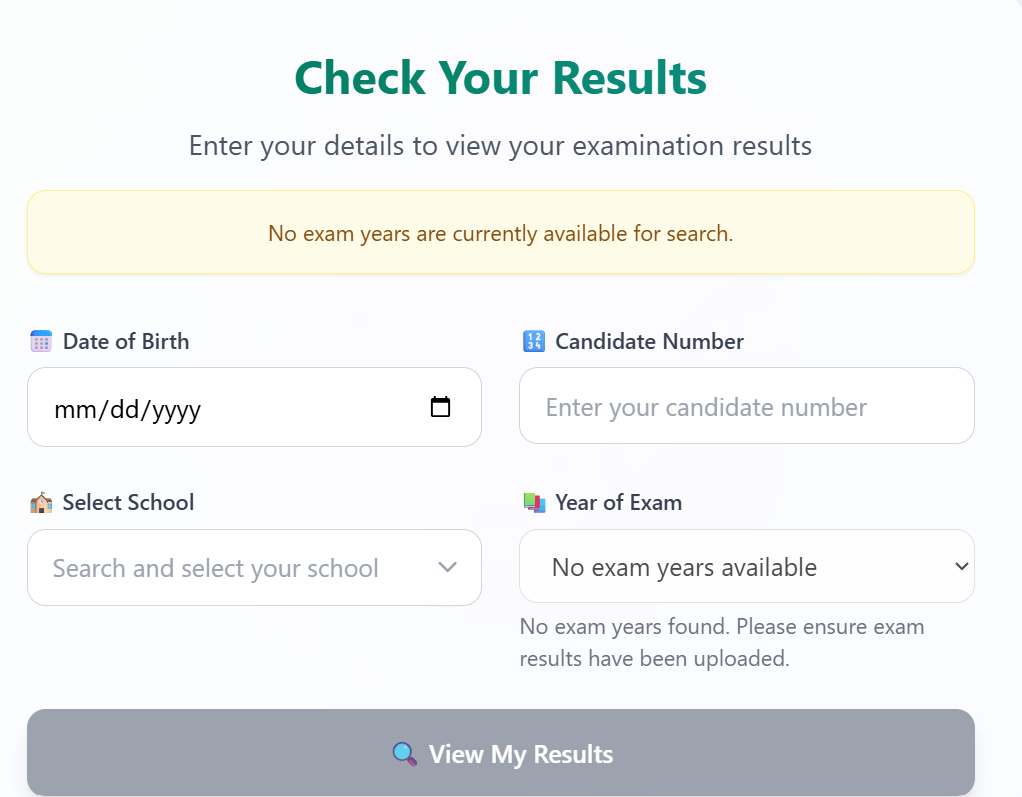
Visit the official Ministry of Education examination portal:
2. Is the NGSA online login free?
Yes.
The Ministry provides access at no cost.
3. Can I check results using my phone?
Absolutely.
The portal works on smartphones, tablets, laptops, and desktop computers.
4. What if I forget my candidate number?
Contact your school or the Ministry of Education for assistance.
5. Can parents check the results?
Yes.
Parents can assist students using the required examination information.
6. Can I print my NGSA results?
Yes.
You can either print directly or save the results as a PDF for future reference.
7. Is the website available 24 hours?
Generally, yes. However, the site may experience heavy traffic immediately after results are released.
8. What Is the NGSA Results Check?
The NGSA results check is the official online process that allows candidates and parents to view examination results after they are released by the Ministry of Education, Guyana.
Instead of waiting for printed reports, candidates can securely access their scores through the official examination portal.
9. When Are NGSA Results Usually Released?
Although dates vary each year, NGSA results are generally released several weeks after the examinations have been completed and marked.
The Ministry of Education announces the official release date through:
- National television
- Radio stations
- Newspapers
- Official Ministry announcements
- School administrators
Once results are published, students can begin their NGSA results check online.
Conclusion
Completing an NGSA results check is now easier than ever. By using the official examination portal and following the steps in this guide, students and parents can securely access examination results, review scores, and confirm secondary school placement.
Remember to keep your examination details safe, use only the official portal, and save a copy of your results for future reference. With preparation and patience, the online process is quick, secure, and straightforward.
Good luck to every NGSA candidate as you begin the next stage of your educational journey!
Learn more at IKNOW GUYANA
